
Cutline generator
Instantly create print-ready vector cut paths for your custom-shaped stickers. No design software needed.
Create custom shape cut paths
FAQs
Our cutline generator supports both bitmap & vector files. The most popular being: JPG, PNG, PDF, EPS.
It's simple! Click the large box above that says 'Upload a file'. Then enter the email address you want the result to be emailed too.
Click the large 'Generate cutline' button, which should turn blue.
It can then take 20-30 seconds to create the cutline for your artwork. You can then adjust the cutline distance from your image and it's smoothness. Allowing you to get the desired effect you're going for.
We'll then email you your file, or you can view & download it straight away.
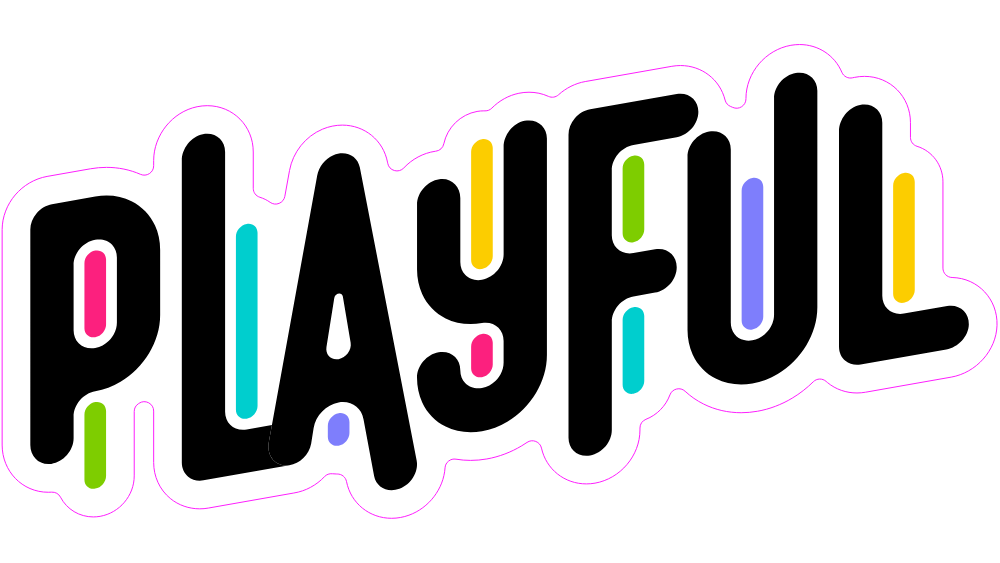
A vector cut path, also called cutline, is important because it tells the cutter exactly where to cut.
Vector graphics, or in this case, a line, is created using mathematical formulas.
Using a vector format is critical because the cutter takes this math, and converts it into a shape to cut.
It's no good giving the cutter a bitmap cutline (made from pixels), because it cannot turn this information into a place to cut your sticker.
You get 5 free credits to use our cutline generator. You use 1 credit for each cutline you create.
This limit resets itself each month, so you can keep coming back to create more cutlines.
At this moment, you can't buy or get more credits. We're working to improve this.
No, not at this time.
We are working on improving our cutline generator tool so you can save your designs in your account area.
Yes! Once you've downloaded your file complete with a cutline, we can print it as a sticker, label, magnet or badge on any of our wide-range of materials.
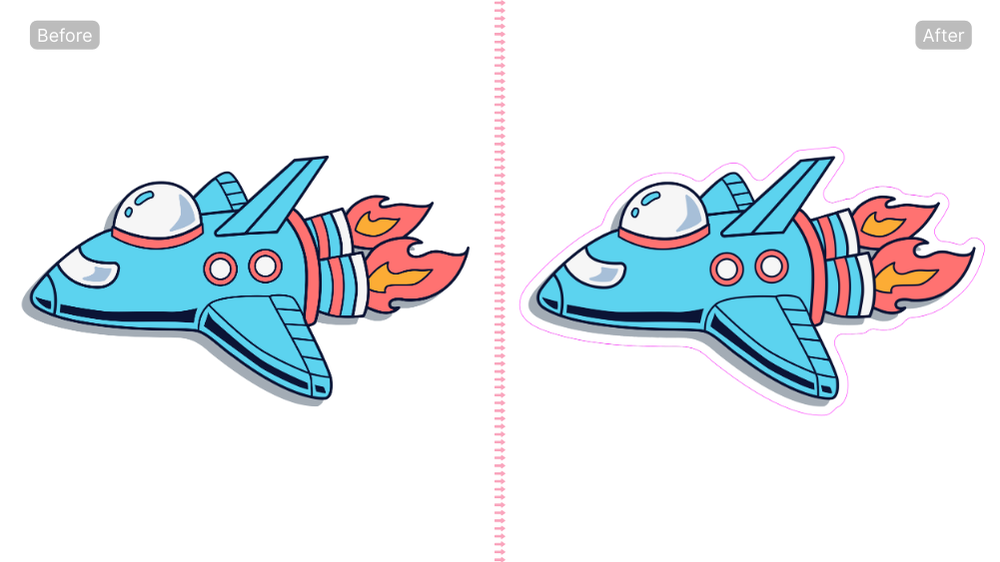
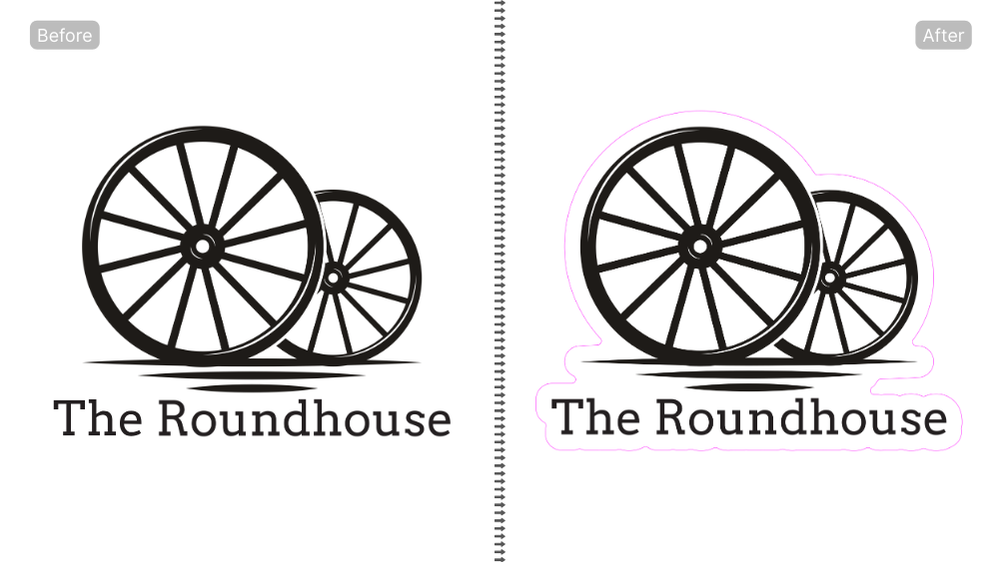
Adding cutlines: Before vs after
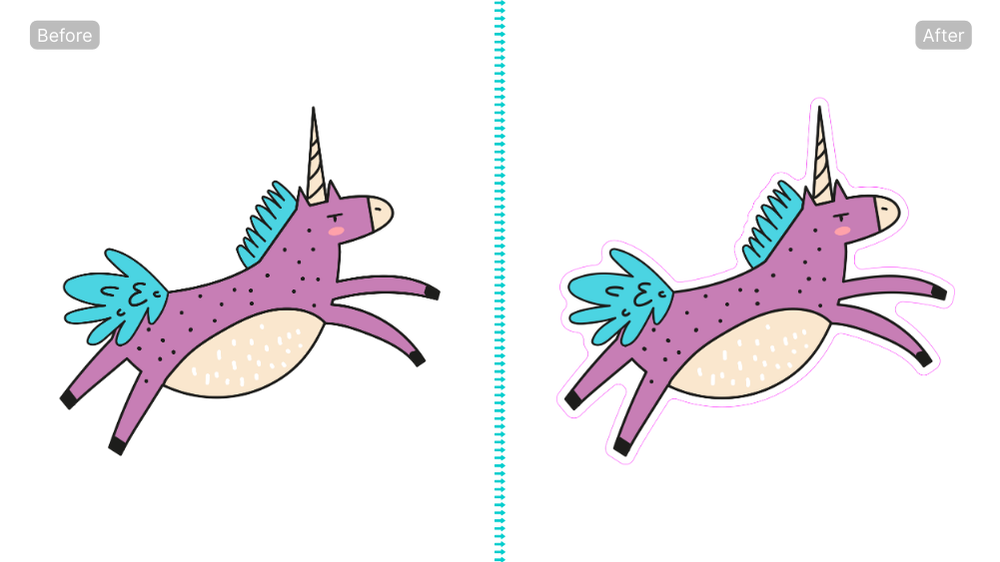
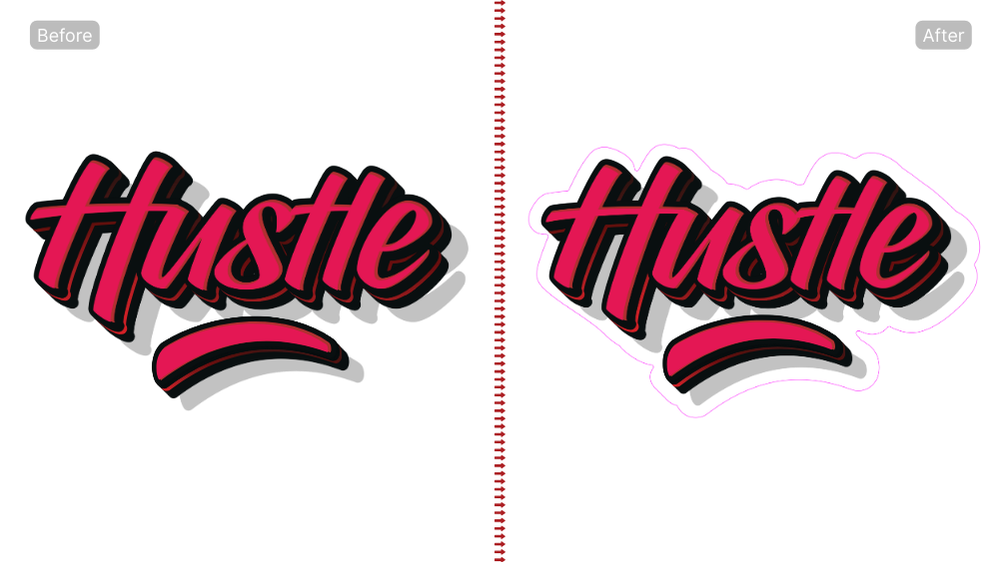
Free custom sticker cutline generator
Want an easy way to make cutlines for your stickers or labels? Our free tool does the work for you. In just a few seconds, it creates a vector cut path (also called a die-cut line) around your artwork, ready for printing.
What’s a cutline?
A cutline (sometimes called a cut path, kiss cut, or die line) is the outline that shows the cutting machine where to cut. Without one, a printer can’t make a clean, custom-shaped sticker. Normally you’d have to draw it by hand in design software, but this tool does it for you.
How it works
- Upload your artwork – Works with PNG, JPG, SVG, and PDF files.
- Generate your cutline – The tool makes a precise outline around your design.
- Adjust settings – Pick how much border you want and how smooth the line should be.
- Preview & download – Get your file with the cutline included, ready to use.
The tool traces your artwork and builds a smooth vector line around it. The cutline is separate from your design, so printers know exactly where to cut without messing up the artwork.
What to do next
After making your cutline:
- Save the file to your computer.
- Upload it when ordering stickers on our website (or share it with your printer).
This makes sure your stickers are cut exactly how you want, with a clean, professional finish.
Why use it?
- Quick and free—no design software needed.
- Much faster than drawing cutlines yourself.
- Creates print-ready files for stickers and labels.
- Works for die-cut stickers, kiss-cut sheets, and more.
👉 Try it now and make your cutline in seconds—ready to print!